

Sign Up & Login
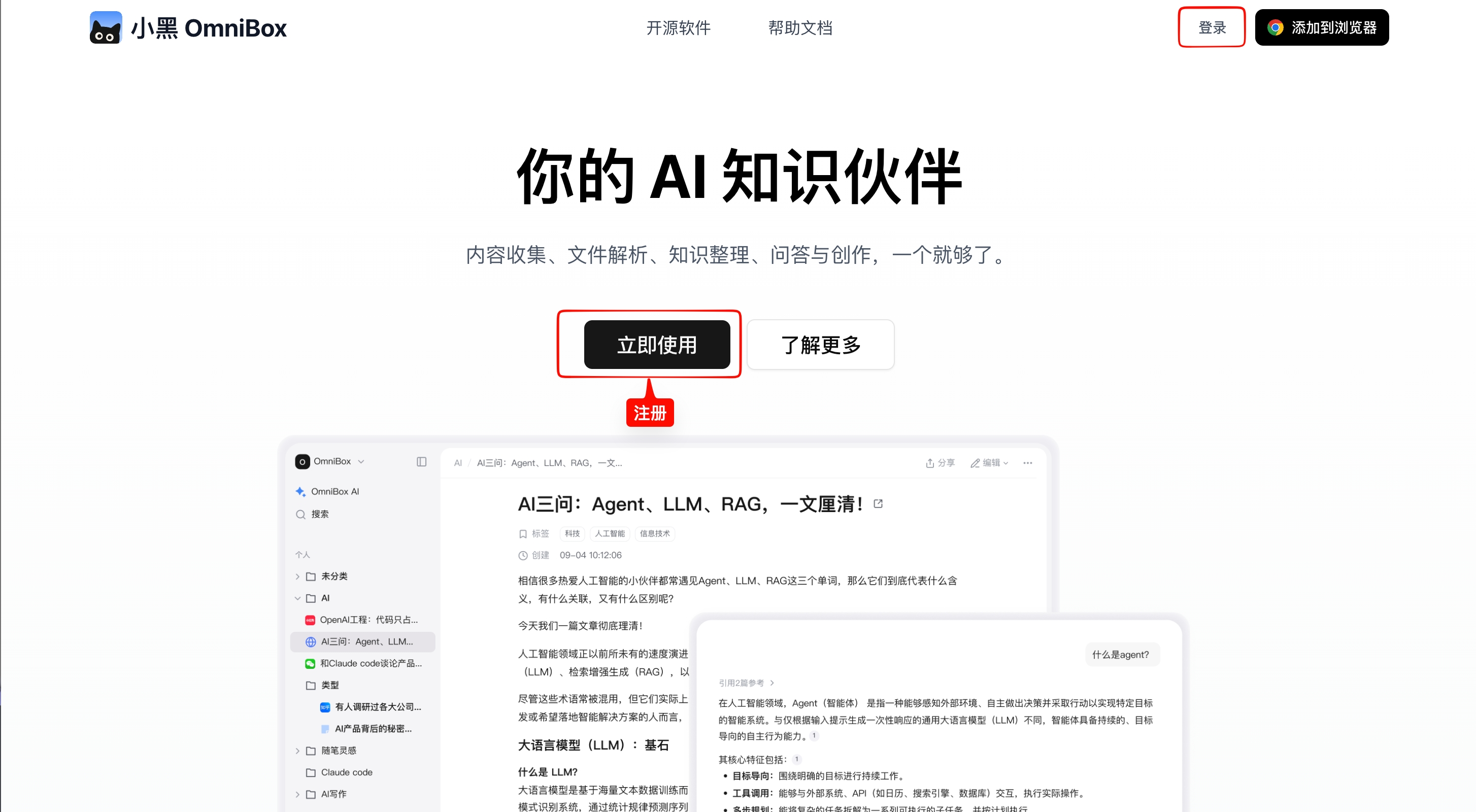
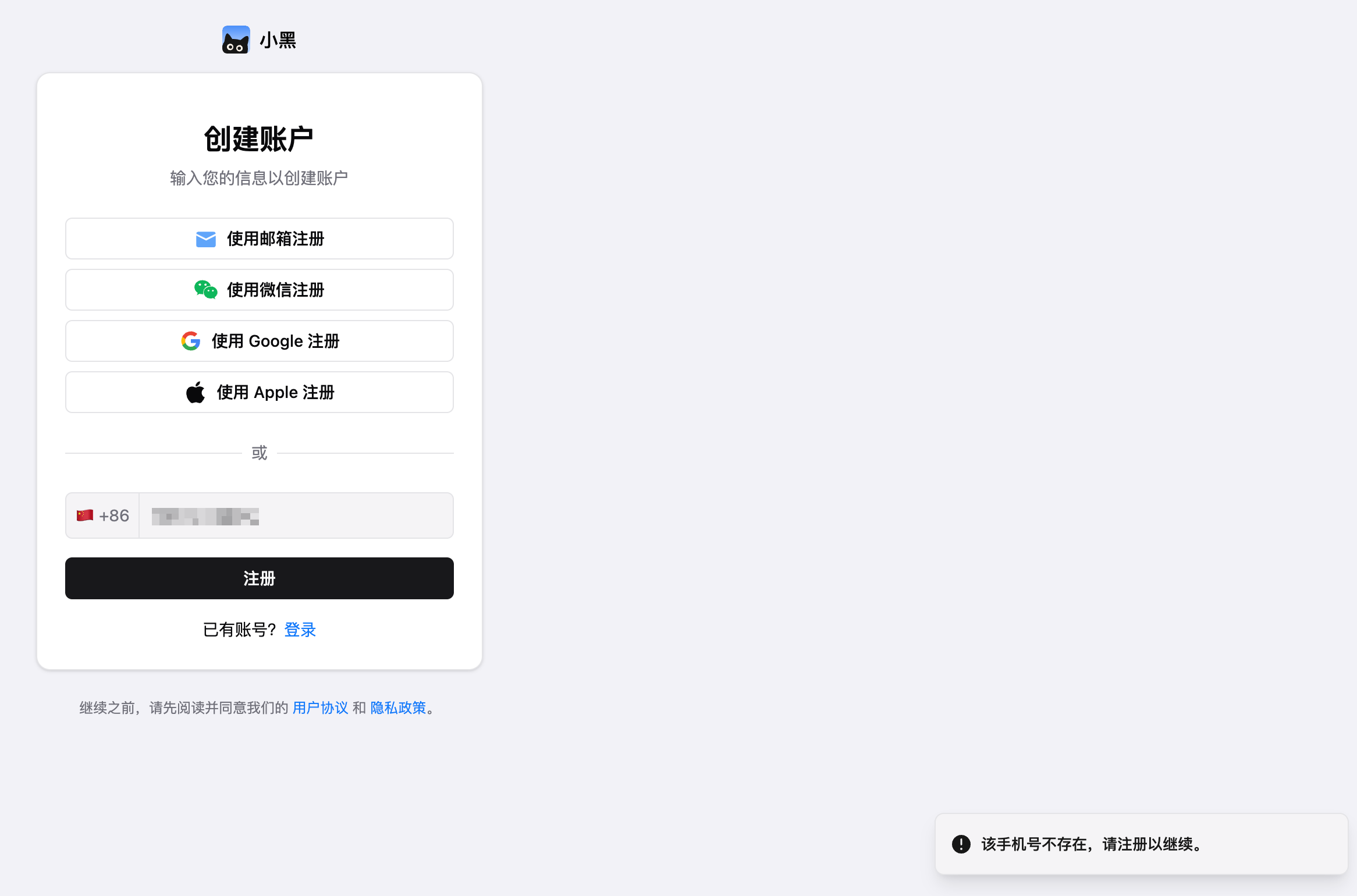
Visit the official website: omnibox.pro, click the Login button in the top right corner or the Sign Up button in the center.
Sign Up
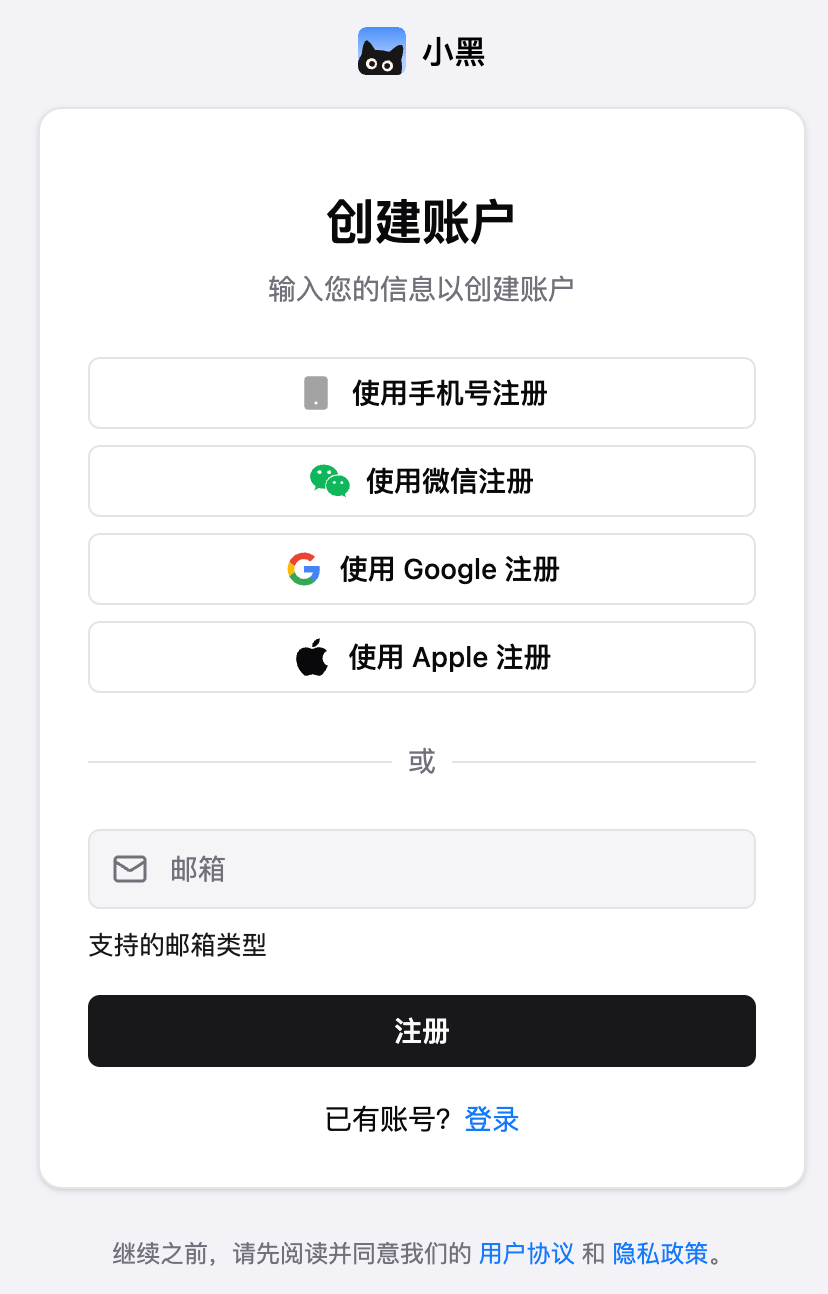
- When signing up with Apple, your Apple username and email will be used as the default username and email
- When signing up with Google, your Google username and email will be used as the default username and email
- When signing up with WeChat, your WeChat nickname will be used as the default username, with email left empty
- When signing up with email, the email will be used as the default username, e.g.,
foo@example.comwill have the usernamefoo - When signing up with phone number,
user_last4digitswill be used as the default username, e.g.,1xxxxxx1234will have the usernameuser_1234Currently only supports phone numbers from mainland China
- After a new user signs up, OmniBox automatically creates a getting-started guide document
Login
- For WeChat, Google, and Apple login, if the account doesn't exist, it will be automatically created
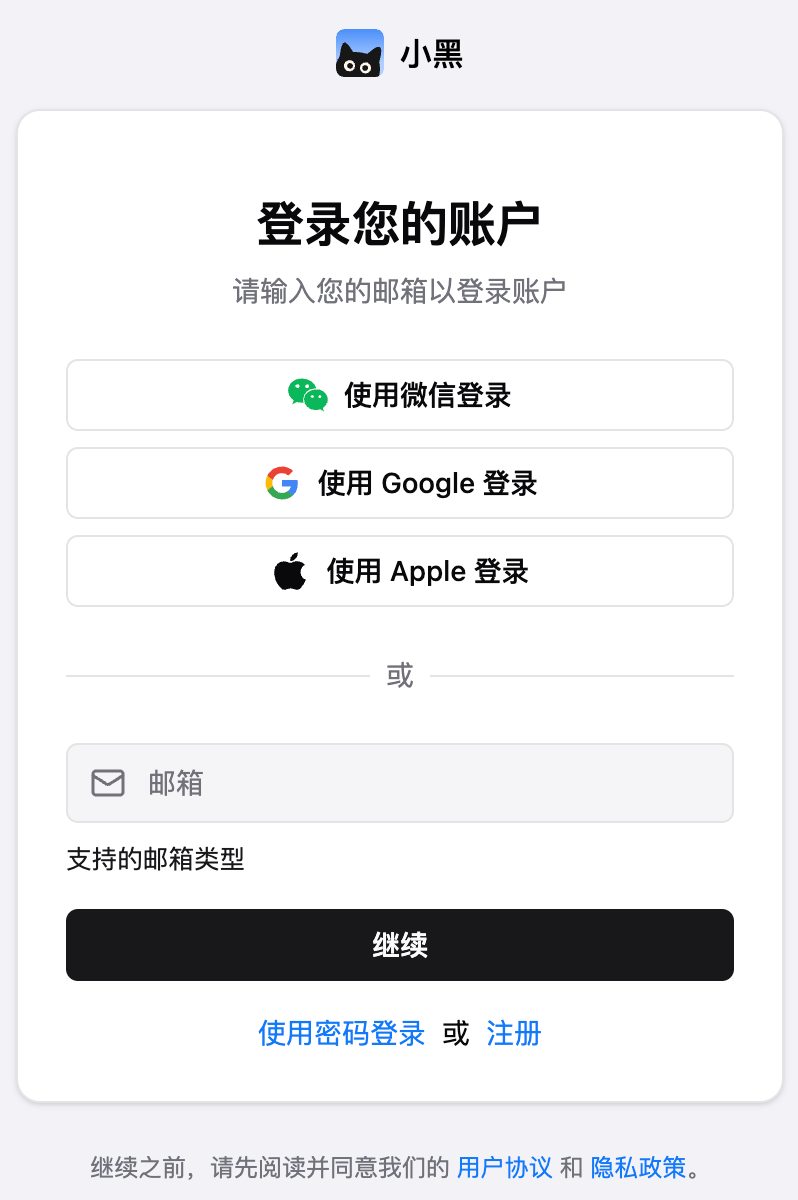
When you tap WeChat Login in a mobile browser, OmniBox first shows a confirmation dialog. After confirmation, it redirects to the WeChat mini program to complete login.
When you open OmniBox from the WeChat mini program and are not signed in, it redirects directly to the login page.
- For email login, when logging in with an email that doesn't exist, it will automatically redirect to the sign-up page
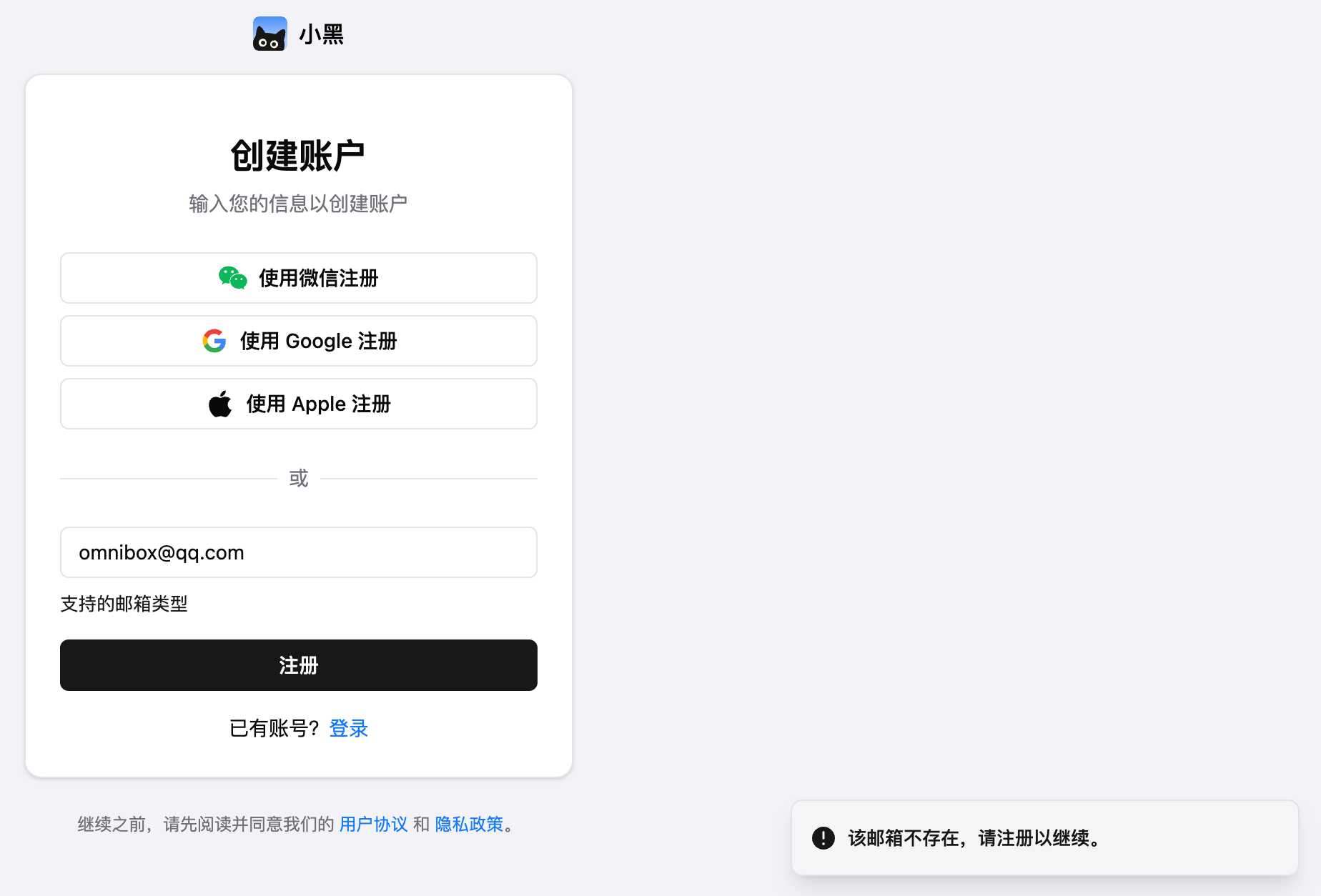
- For phone number login, when logging in with a phone number that doesn't exist, it will automatically redirect to the sign-up page
FAQ
What email domains does OmniBox support?
Currently supported email providers are:gmail.com、outlook.com、hotmail.com、163.com、qq.com、126.com、foxmail.com、yeah.net、sina.com、yahoo.com、sohu.com